Favorite Reports


SplashBI Excel Connect has a function where end users can
see list of Published reports.
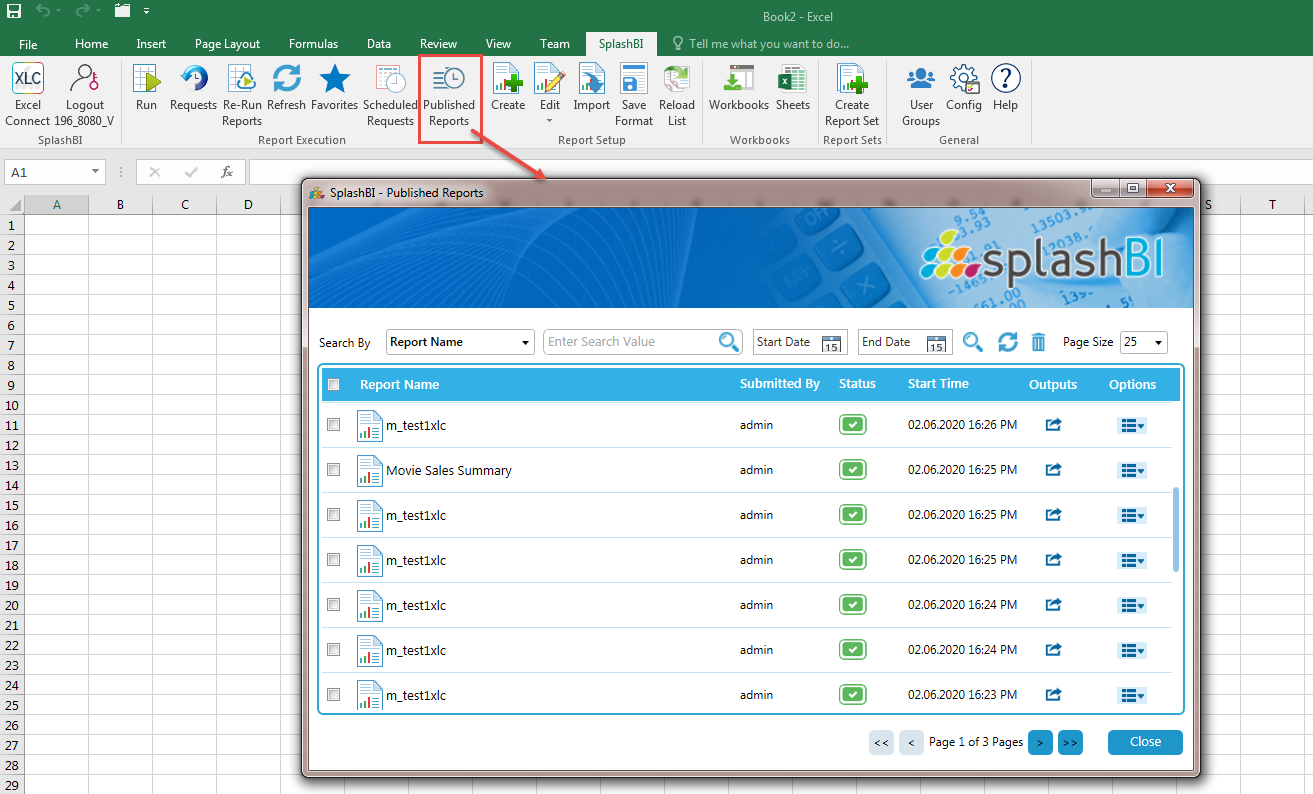
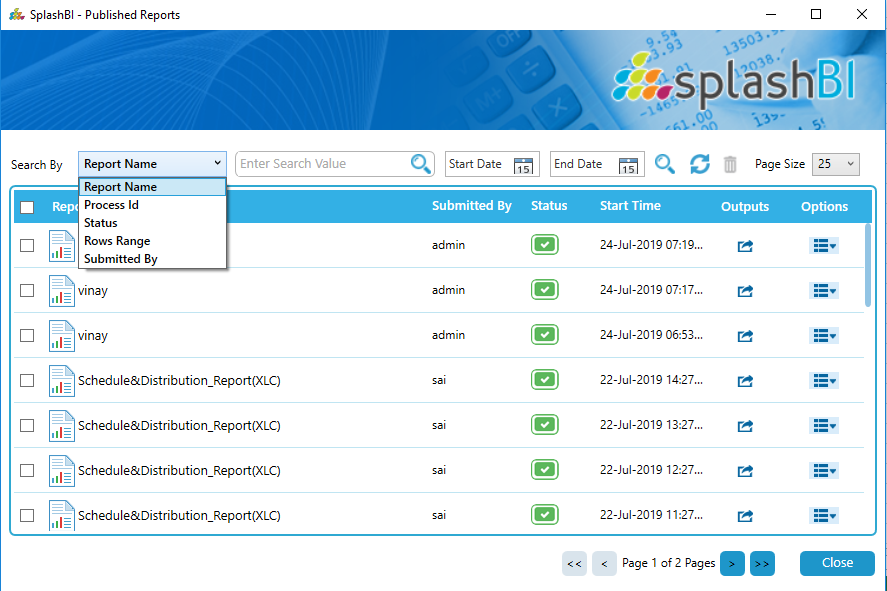
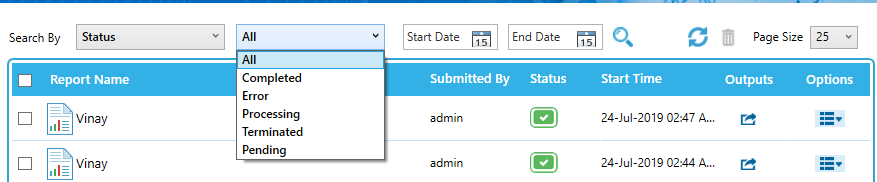
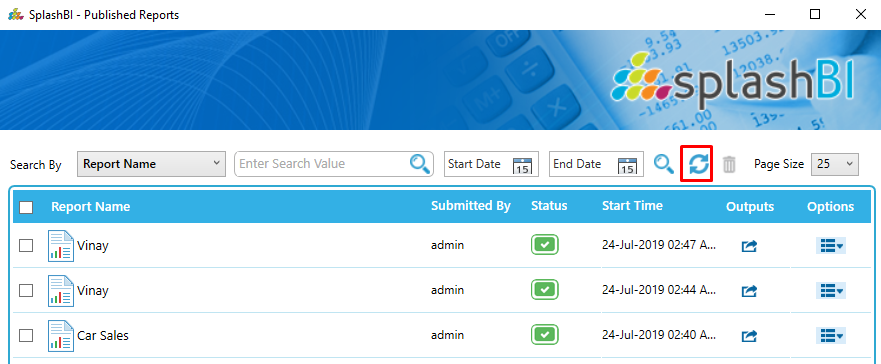
Usr can search the published reports in 5 ways as shown in below screen.





Below highlighted Icon is used to get the latest list of Published reports.
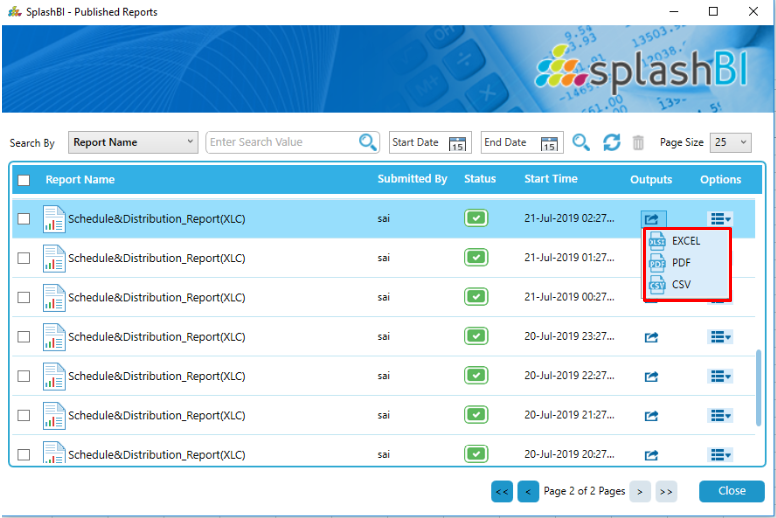
Published Reports can viewed in 3 output types i.e Excel, PDF, and CSV as shown below.
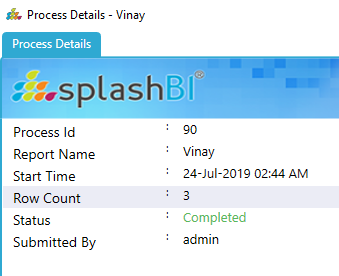
Users can see the details of the Published Reports as shown in below screen.
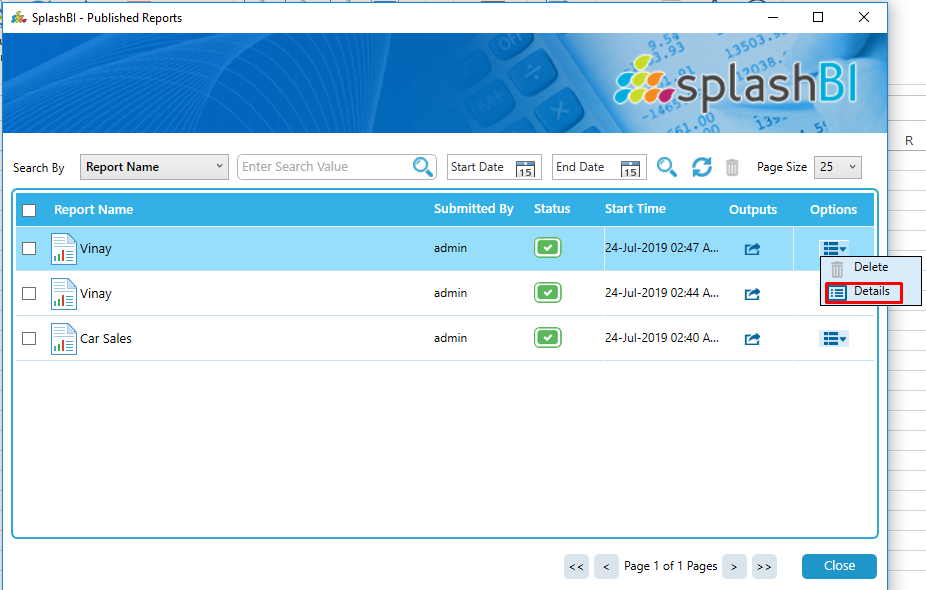
After clicking onthe Details option you will get a details window of the Selcted Published report.